Product description
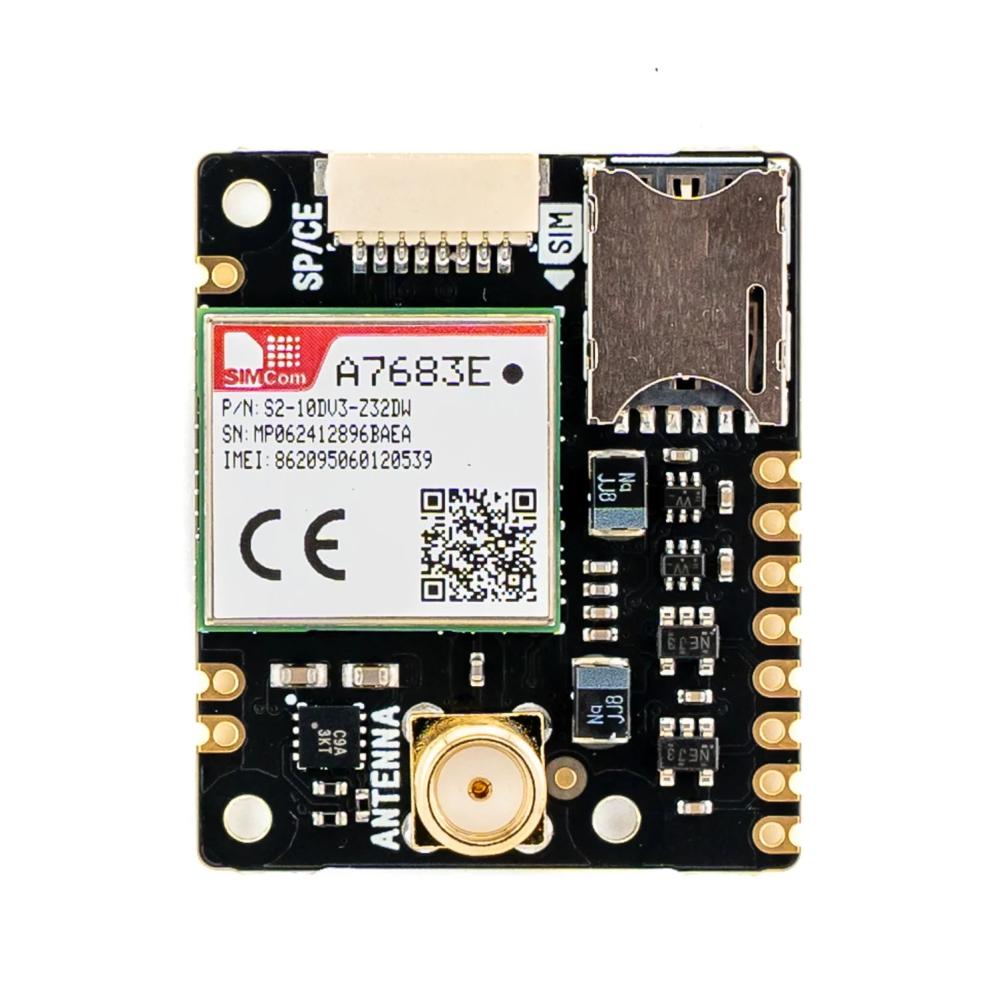
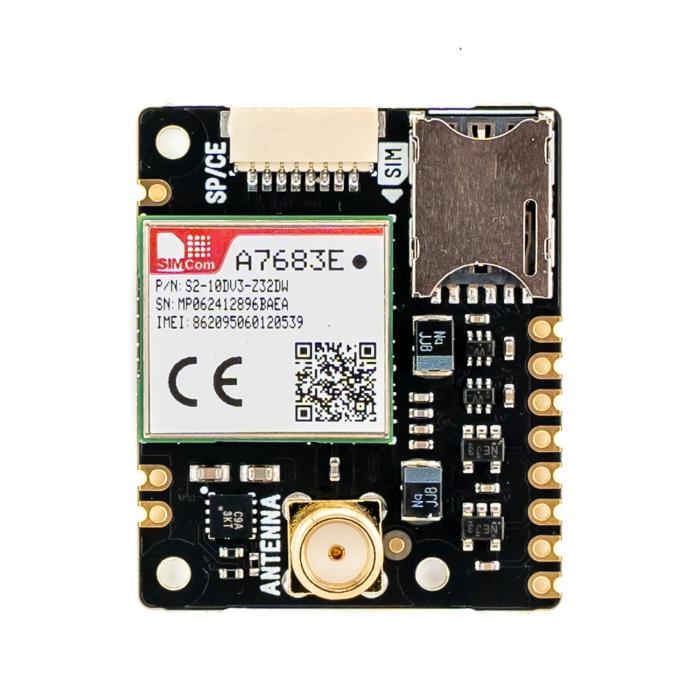
Pimoroni Clipper is a 4G LTE module for wireless data communication over cellular networks. The module is based on the SIMCom A7683E and enables data transmission and reception in projects where WiFi or other network connections are unavailable. It is suitable for applications such as remote monitoring, sensor data collection, and mobile IoT applications.
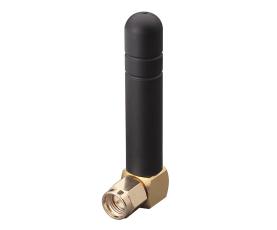
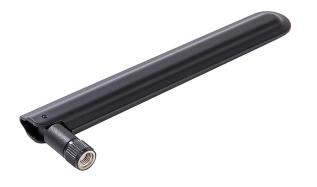
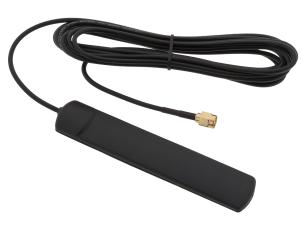
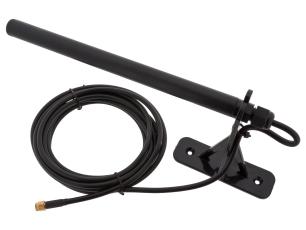
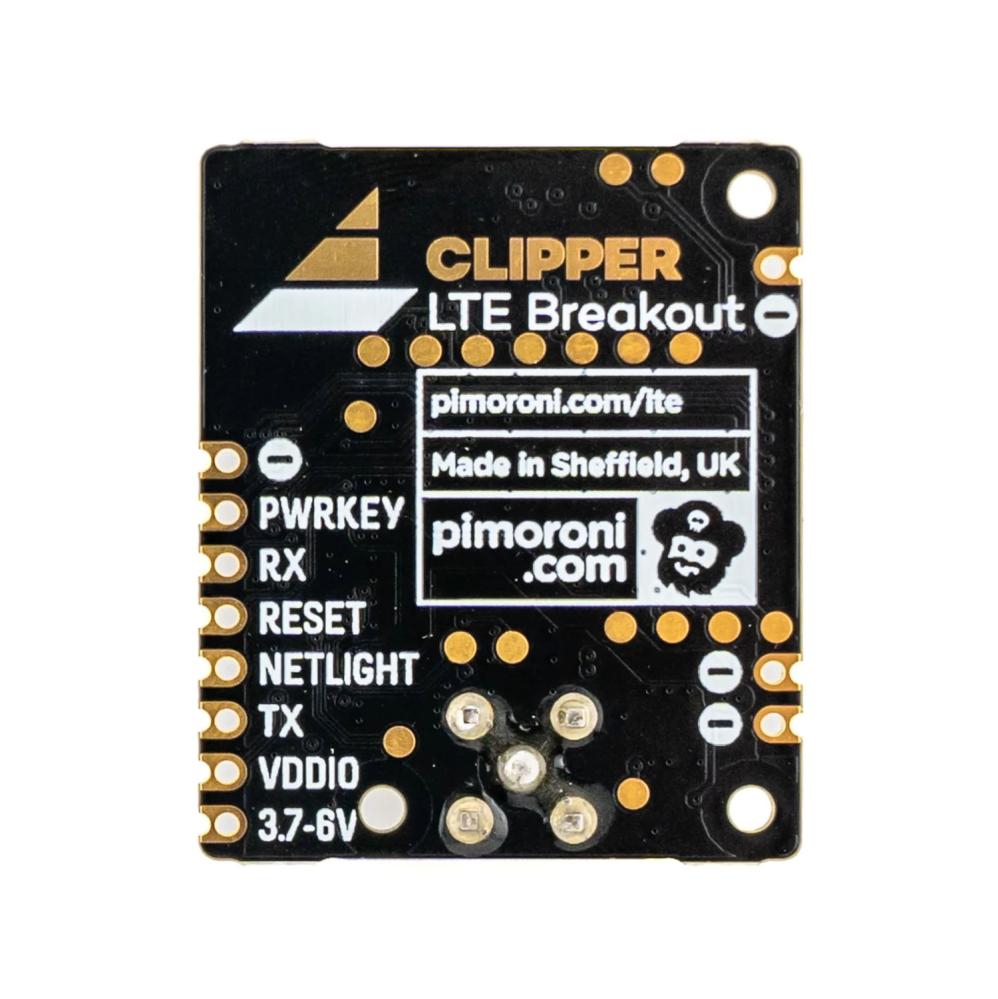
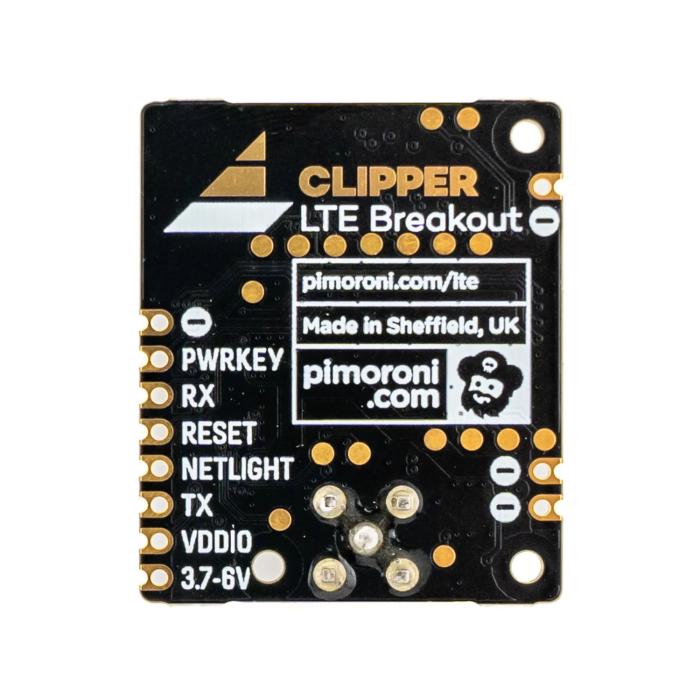
Clipper features an integrated SIM card slot and an SMA connector for an external antenna. Communication and control are handled via UART using AT commands. The module has an 8-pin SP/CE connector (JST-SH) for connection. It can also be connected via solder pads on the PCB.
The module is compatible with Raspberry Pi and microcontroller-based development boards using RP2040 and RP2350. Pimoroni provides a customized version of MicroPython with experimental support for LTE communication.
Specifications:
- Manufacturer: Pimoroni
- Model: Clipper LTE 4G Breakout
- Part number: PIM716
- LTE module: SIMCom A7683E
- Cellular network: 4G LTE-FDD
- Frequency bands: B1/B3/B5/B7/B8/B20/B28
- Communication: UART, AT commands
- Connector: SP/CE, 8-pin JST-SH
- SIM card slot: Yes
- Antenna connector: SMA
- Supply voltage: 3.7–6.0 VDC
- Logic voltage (VDDIO): 3.0–3.6 V recommended
- Current consumption, idle mode: 17 mA
- Current consumption, power-saving mode: 0.12–1.63 mA
- Current consumption, active communication: 50–100 mA, measured average
- Peak current consumption: 700 mA during transmission
- Compatibility: Raspberry Pi, RP2040 and RP2350
- Dimensions: 35 x 29 x 5 mm
- Height including antenna connector: 11 mm
- Weight: 12 g
Please note that the module requires a stable power supply capable of handling short current peaks of up to 700 mA. Antenna and SP/CE cable are sold separately.